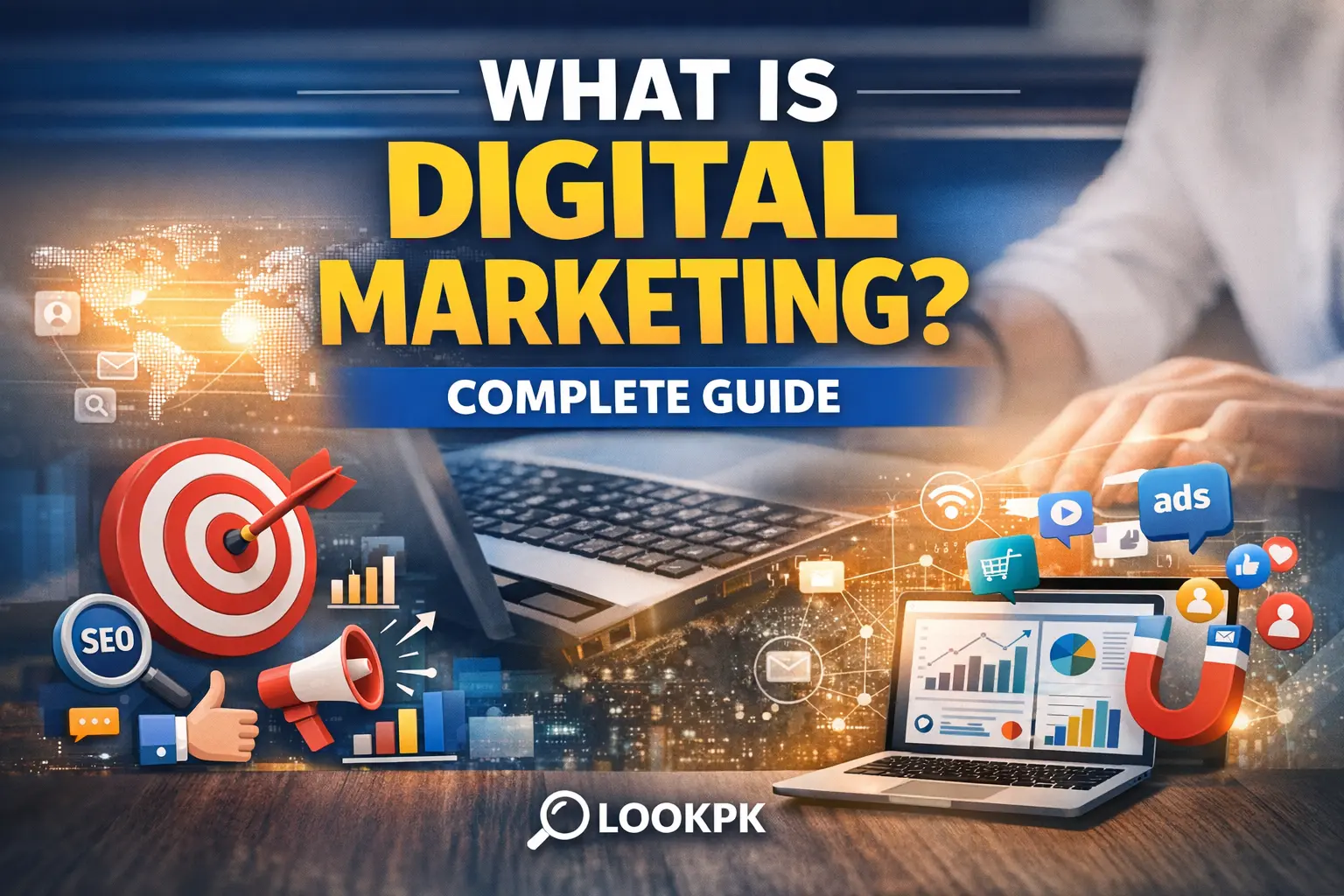
Digital marketing is the promotion of products, services, or brands using online and digital channels such as websites, search engines, social media, email, and mobile apps. If marketing happens through the internet or any digital device, it falls under digital marketing.
This complete guide is written for beginners and students who want a clear, practical understanding—without confusing jargon. You’ll learn the major types of digital marketing, how it works step-by-step, key skills, tools, career paths, and a beginner roadmap you can follow.
Table of Contents
What Is Digital Marketing?
Digital marketing is marketing done through digital platforms—mainly the internet. Businesses use it to attract people, build trust, generate leads, and convert those leads into customers.
Unlike traditional marketing (newspapers, TV, billboards), digital marketing is measurable. You can track clicks, views, sign-ups, purchases, and ROI in real time.
Why Digital Marketing Matters Today
Modern customers research before they buy. They search on Google, compare options, read reviews, and watch videos. If your business is not visible online, it is invisible to many potential customers.
Digital marketing also creates opportunities for students and beginners. You can build a personal brand, earn through freelancing, grow a small business, or even start eCommerce—using skills you can learn without huge investment.
Core Components of Digital Marketing
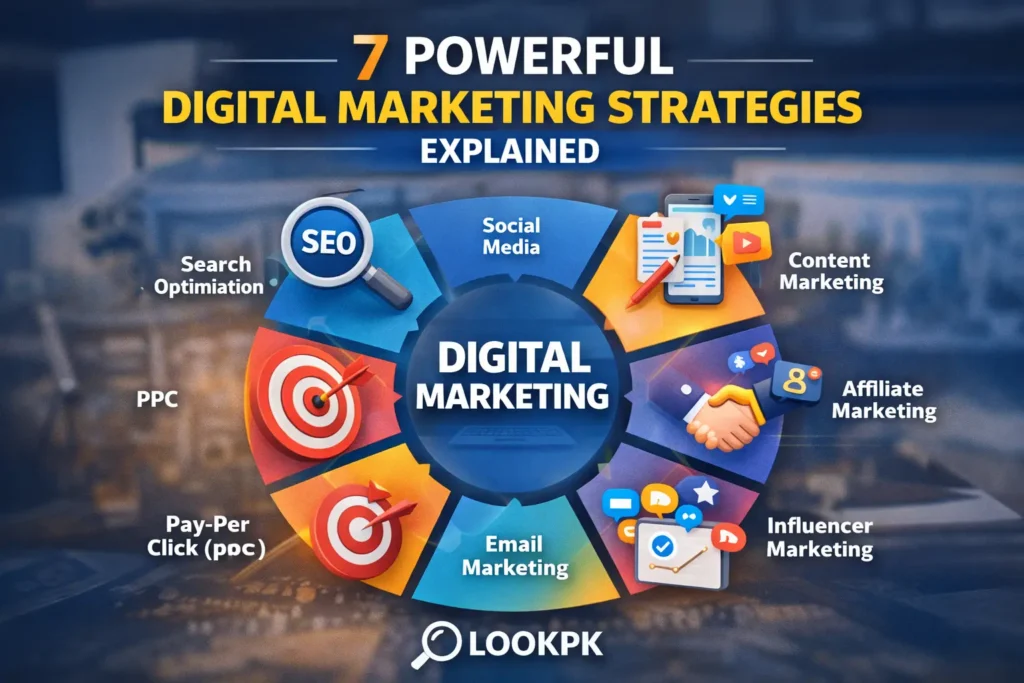
1) Search Engine Optimization (SEO)
SEO is the process of improving your website so it ranks higher in search results and attracts free (organic) traffic over time.
- On-page SEO: content, headings, keywords, internal links
- Off-page SEO: backlinks, brand mentions
- Technical SEO: speed, crawlability, structure
- Local SEO: visibility for nearby searches
For a trusted SEO learning resource, see Google’s official documentation: Google Search Central (SEO docs).
2) Social Media Marketing (SMM)
Social media marketing means promoting your brand on platforms like Facebook, Instagram, LinkedIn, TikTok, and YouTube. It includes organic posting and paid campaigns.
Social platforms reward consistency. For beginners, the fastest progress comes from building a simple routine: create helpful posts, engage with comments, and track what content performs best.
3) Content Marketing
Content marketing is creating valuable content that answers questions, solves problems, and builds trust—before you try to sell anything.
Examples include blog posts, videos, infographics, guides, newsletters, and case studies. Over time, strong content becomes a “digital asset” that keeps bringing traffic.
Beginner-friendly learning resource: HubSpot Marketing Blog.
4) Pay-Per-Click Advertising (PPC)
PPC is paid advertising where you pay when someone clicks your ad. This includes Google Ads search ads, YouTube ads, and social media ads.
PPC is powerful because it can deliver results quickly. The key is targeting the right audience and sending them to a strong landing page.
Official reference: Google Ads Help Center.
5) Email Marketing
Email marketing remains one of the highest ROI channels because it builds a direct relationship with your audience. Businesses use email for onboarding, newsletters, promotions, and customer retention.
Learn the fundamentals from a respected platform: Mailchimp Resources.
6) Affiliate Marketing
Affiliate marketing is earning a commission by promoting other brands’ products. It works well with blogs, YouTube channels, and niche content sites.
7) Influencer Marketing
Influencer marketing is a partnership where creators promote a brand to their audience. It can build trust faster than traditional ads—when influencers match the brand and audience.
How Digital Marketing Works (Step-by-Step)
- Define your audience: Who do you want to reach?
- Set a goal: traffic, leads, sales, sign-ups, downloads
- Choose channels: SEO, social media, PPC, email, content
- Create content/offers: pages, posts, lead magnets
- Launch and promote: publish + distribute
- Track and improve: measure results and optimize
For measurement, use: Google Analytics and Google Search Console.
Digital Marketing vs Traditional Marketing
| Traditional Marketing | Digital Marketing |
|---|---|
| TV, newspapers, billboards | SEO, social media, email, ads |
| Hard to measure | Easy to measure (data-driven) |
| Often expensive | Flexible budget (even small budgets) |
| Slow to adjust | Fast to adjust (real-time optimization) |
Skills & Tools You Should Learn
If you’re a beginner, focus on fundamentals first. Then add tools.
Core skills
- Communication & writing
- Basic analytics and reporting
- Creativity (content ideas, simple design thinking)
- Customer psychology (why people buy)
- Consistency and testing mindset
Beginner tools
- Canva (design)
- Google Analytics + Search Console
- Keyword research tools (basic)
- Email platform (Mailchimp, etc.)
- WordPress (content publishing)
Career Opportunities in Digital Marketing
Digital marketing has multiple paths. You can start narrow (one skill) and grow into a full-stack marketer.
- SEO Specialist
- Content Writer / Content Strategist
- Social Media Manager
- PPC / Ads Specialist
- Email Marketer
- Digital Marketing Manager
If you’re building broader tech understanding, these LookPK guides help:
- Web Development Explained: Front-End vs Back-End
- What Is Software Engineering? Skills & Careers
- What Is Cloud Computing? Complete Beginner’s Guide
- What Is Cloud Networking? Definition, Types & Benefits
Beginner Roadmap (Students)
Month 1: Learn the basics
- What digital marketing is
- How SEO and content work
- How social media platforms differ
Month 2: Build something simple
- Create a basic WordPress site or blog
- Publish 5–8 helpful posts
- Learn basic on-page SEO (headings, internal links, readability)
Month 3: Learn performance basics
- Google Analytics basics
- Search Console basics
- Write better titles and meta descriptions
Month 4: Try paid campaigns (small budget)
- Learn how PPC targeting works
- Run a small campaign for learning (even a test budget)
- Understand CPC, CTR, conversion rate
Advantages & Challenges
Advantages
- Global reach
- Measurable results
- Flexible budgets
- Fast learning curve with practice
Challenges
- High competition in popular niches
- Algorithm changes (search and social platforms)
- Misinformation from “quick money” claims
For security and best practices (highly trusted): OWASP Top 10.
Future Trends
- AI-assisted content and ad optimization
- Short-form video growth
- Voice search and conversational queries
- Marketing automation
- Privacy-first tracking changes
FAQs: Digital Marketing for Beginners
Is digital marketing good for students?
Yes. It’s one of the best skill sets for students because it can lead to jobs, freelancing, and business opportunities. You can start with basic SEO and content, then expand.
How long does it take to learn digital marketing?
You can understand the basics in 4–8 weeks with consistent practice. Becoming job-ready typically takes 3–6 months if you build projects and track results.
Do I need coding for digital marketing?
No. Coding is not required, but basic website knowledge (WordPress, HTML basics) helps you work faster and communicate better with developers.
Which digital marketing skill should I learn first?
Start with content + SEO fundamentals. These skills build long-term value and improve your understanding of how users search and make decisions.
What are the best tools for beginners?
Start with Google Analytics, Search Console, Canva, and a WordPress website. These cover measurement, visibility, design, and publishing.
Explore more: Browse more beginner-friendly tech guides in IT & Computer Science.